Overview
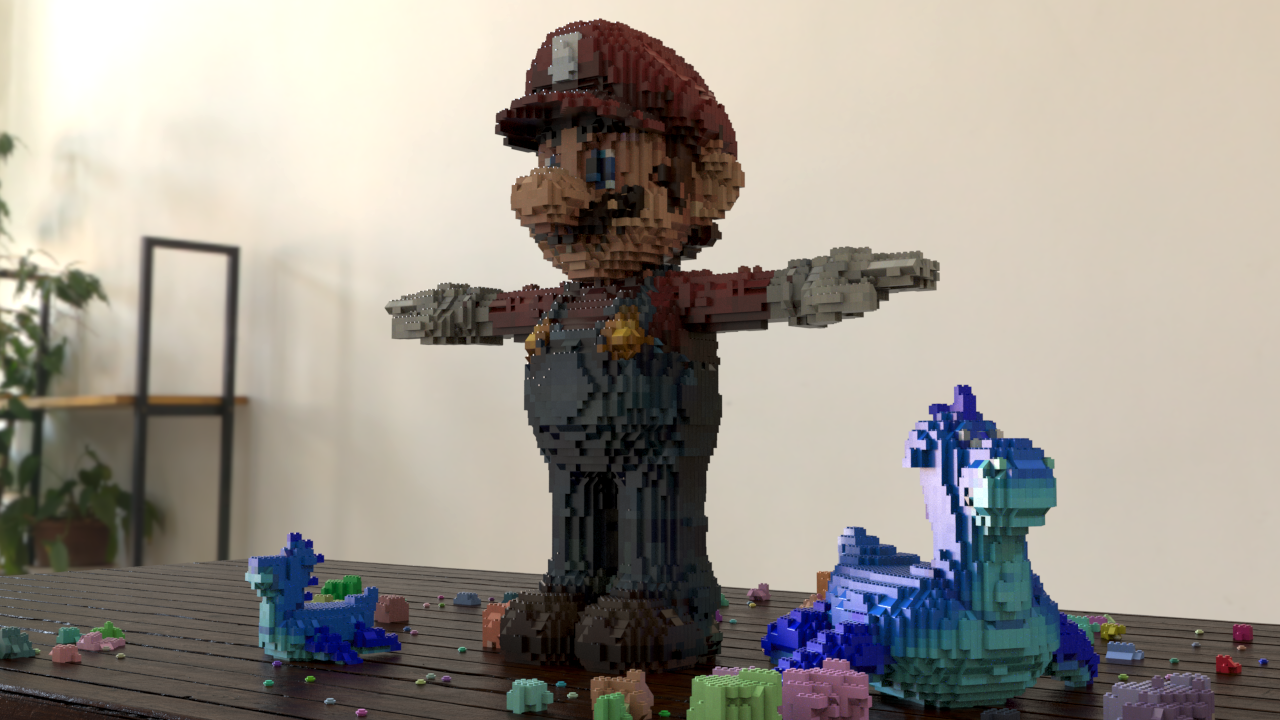
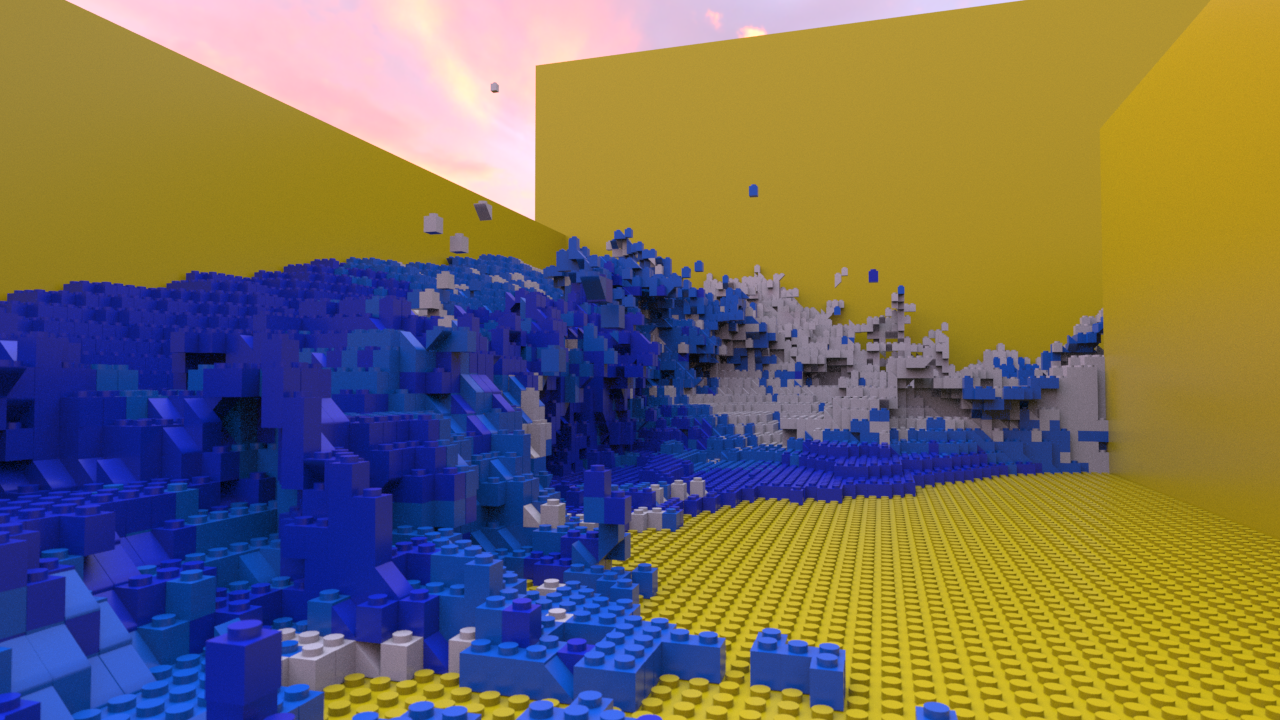
This was a fun personal project to combine one of my favorite toys with one of my favorite pieces of software. The tool takes in some base geometry and converts in to 1:1 blocks of customizable size. It uses slanted blocks based on surface normals to give some variation. This works with any form of geometry, including fluid and smoke simulations.
Video Demo
Breakdown
The base setup iuses a 3D grid of lines, with the spacing based of the size of a single cube set by the user. This grid fills the bouding box of the geometry inputted. We then do a bound test on the actual geometry to determine which points are inside and which points aren't. These points are then used as the base postions for instancing our lego block. Because the spacing is based off the size of the cube, the instanced blocks perfectly fill up the volume of the object. For a bit of variation, each blcok is very slightly rotated about the y axis to add a bit of realism and make it look like the model was actualy build by hand. Additionally, we can transfer the normals of the underlying geometry to nearby points. By using a simple dot product check, we can determine if a block should be converted into a slope block and the orientation of the block if it is converted.
Since all we need to generate a lego model is some base mesh, simulation and volumes can be converted in to lego by first converting to polygons. This allowes for things like lego water and smoke. However, a slight limitation to this method is that highly convex or sitributed models are not very efficient. Because our base grid fills the entire bouding box, for an object with a very dispropotinate ratio between volume and bounding box volume will cause the outer point culling to take longer.